AI Billing Automation: What It Is & How It Works


For most SaaS companies, billing is still a manual process held together by spreadsheets, Slack messages, and finance team heroics. Someone exports usage data, someone else builds a CSV, a third person checks it against the contract, and a fourth person sends the invoice — usually a week after it should have gone out. AI billing automation replaces that entire chain with software that reads your usage data, applies your pricing rules, generates invoices, retries failed payments, and updates your revenue recognition ledger without a human in the loop.
This guide explains what that actually means in practice, which workflows it covers, and what to look for when you're evaluating tools.
What is AI billing automation?
AI billing automation is software that handles the end-to-end billing cycle for SaaS and subscription businesses without manual intervention at each step. It covers invoice generation from usage or contract data, payment collection and retry logic, revenue recognition scheduling, accounts receivable follow-up, and end-of-month reconciliation.
The 'AI' part distinguishes it from older rule-based billing tools. Rule-based systems execute fixed logic — retry a failed payment on day 3, send a reminder on day 7. AI-driven systems adapt: they predict which customers are likely to churn from a failed payment, optimise the retry timing based on that customer's payment history, and escalate or de-escalate collections intensity accordingly. The output is a billing operation that gets more accurate over time rather than just executing the same fixed sequence repeatedly.
In one sentence AI billing automation is software that reads your pricing data, generates invoices, collects payment, and recognises revenue — without a person managing each step.
What AI billing automation actually replaces
The clearest way to understand what billing automation does is to look at what the manual version looks like, task by task. Most SaaS finance teams are running some version of this:
| Without automation — manual process | With AI billing automation |
|---|---|
| Finance pulls usage data from the product database or Mixpanel at month-end, cross-references it against the customer's pricing tier, and manually builds an invoice in the billing system. | The billing system reads usage events in real time via API. At invoice generation time, it applies the customer's pricing rules automatically and creates a draft invoice without anyone touching a spreadsheet. |
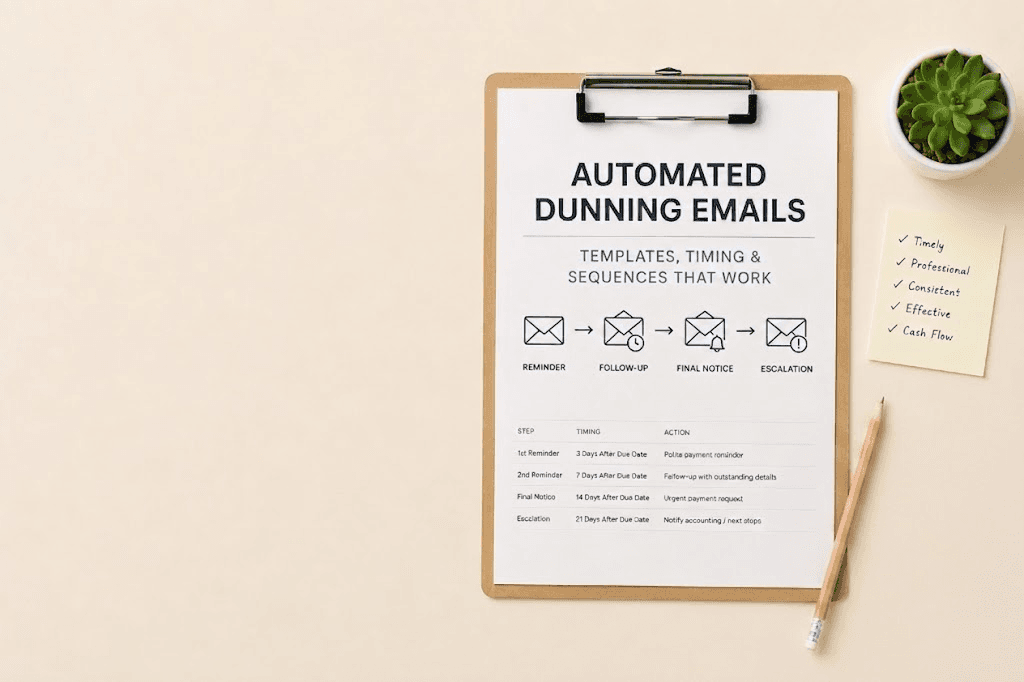
| A failed payment triggers a Slack notification to an AR analyst, who manually sends a reminder email and logs the attempt in a spreadsheet. | The system detects the failure, scores the customer's payment likelihood using historical data, and queues an automated dunning sequence — email at day 1, retry at day 3, escalation at day 7 — adjusting timing based on what has worked for similar customers. |
| Revenue recognition requires a monthly journal entry where the finance team manually calculates how much of each contract's value has been earned in the period, per ASC 606 or IFRS 15. | The system reads the contract start date, contract value, and delivery milestones. It calculates the earned revenue for the period automatically and posts the journal entry to the GL without manual input. |
| Subscription upgrades, downgrades, and mid-cycle changes require manual proration calculations and invoice amendments that often take days to process. | Contract amendments trigger automatic proration calculations and an updated invoice is generated and sent within minutes of the change being recorded. |
| Month-end close involves reconciling what was billed against what was collected against what was recognised — usually in a spreadsheet across three systems. | The system maintains a continuous reconciliation between billing, collection, and revenue data, so month-end close is a review rather than a rebuild. |
This table is the core business case for automation. Most finance teams doing this manually spend 3-5 days per month on tasks that take the automated version seconds.
How AI billing automation works — the technical overview
Walk through a concrete example. A SaaS company sells API access at $0.004 per call with a $200 monthly minimum. A new customer signs up on March 5th, uses 180,000 API calls in their first month, and has set up payment via Stripe.
Here is what happens without any manual intervention:
-
Step 1 — Usage ingestion: The billing system receives usage events from the product via webhook or API throughout the month. Each event is timestamped and attributed to the customer's account. No one exports a CSV.
-
Step 2 — Contract rule application: On April 4th (30 days after signup), the billing engine reads the customer's pricing contract — $0.004 per call, $200 minimum. It calculates: 180,000 x $0.004 = $720. It checks this against the minimum. The invoice total is $720.
-
Step 3 — Invoice generation: A PDF invoice is generated with the customer's details, line items broken down by usage tier, and the Stripe payment link. It is sent to the billing contact automatically.
-
Step 4 — Payment collection: Stripe attempts the charge. It succeeds on the first attempt. The payment is logged against the invoice and the AR balance clears.
-
Step 5 — Revenue recognition: The system calculates the earned revenue for March 5th to April 4th. Because this is a usage-based model, revenue is recognised as the API calls are consumed — not deferred. The recognition entry is posted to the GL automatically.
-
Step 6 — Reconciliation: The billed amount ($720), the collected amount ($720), and the recognised revenue ($720) match. No reconciliation work is required.
Now run the same scenario but with a failed payment on step 4. The card on file is declined. The AI layer scores the customer: 180,000 API calls in month 1, strong usage signal, no previous payment failures. The system queues a retry for day 2 (not day 3 — the model predicts this customer pays quickly when reminded). A payment reminder email goes to the billing contact at 9am in their timezone. The day 2 retry succeeds. Total manual effort: zero.
What to look for in AI billing automation software
Not every tool labelled 'billing automation' uses AI in a meaningful way. Some are rule-based billing systems with a rebrand. When you're evaluating, five things separate genuine AI-driven automation from legacy tools with a new name:
-
Handles usage-based and seat-based billing in the same platform: Most older billing tools were built for seat-based SaaS — a fixed number of users at a fixed monthly price. If your pricing has any usage component (API calls, data processed, events, active users), the tool needs to handle real-time event ingestion and mid-cycle rating. Ask specifically: 'Can you ingest usage events via API in real time, rate them against tiered pricing, and prorate mid-cycle changes?'
-
Intelligent dunning — not just fixed retry schedules: Rule-based dunning retries on day 3 and day 7 regardless of the customer. AI-driven dunning adjusts retry timing based on payment history, invoice size, and customer tenure. Ask for data on recovery rates from failed payments — a well-tuned system should recover 60-80% of failed payments without human intervention.
-
Automates revenue recognition to GAAP or IFRS 15 standards: Manual revenue recognition is the most error-prone part of SaaS accounting. The tool should read your contract terms, calculate the performance obligation, and post recognition entries automatically. It should handle the common edge cases: multi-element arrangements, contract modifications, and variable consideration.
-
Integrates with your existing stack without custom engineering: You should not need to write integration code to connect a billing tool to Stripe, Salesforce, HubSpot, QuickBooks, or NetSuite. These are standard integrations that should work out of the box. If a vendor's answer involves 'our professional services team can build that,' budget 3-6 months and a significant implementation fee.
-
Provides audit trails and finance-grade reporting: Every automated action — invoice generated, payment attempted, recognition entry posted — should be logged with a timestamp, the rule that triggered it, and the data that informed it. Your auditors will ask for this. Make sure it exists before you sign a contract.
How JustPaid automates your billing end-to-end
JustPaid is built specifically for usage-based and hybrid SaaS billing. Here is what it does across each of the workflows described above:
-
Invoice generation: JustPaid reads usage events from your product via API or webhook, applies your pricing rules — including tiered, volume, per-unit, and minimum commitment structures — and generates a draft invoice. The draft is available for review before sending, or can be configured to send automatically. Generation takes under 60 seconds from the billing period close.
-
Dunning and payment recovery: When a payment fails, JustPaid scores the customer using payment history and usage signals, then queues a retry sequence optimised for that customer. The default sequence runs for 14 days. Customers who recover within the sequence do not reach an AR analyst. Those who do not are escalated with a full payment history attached.
-
Revenue recognition: JustPaid reads your contract terms and calculates earned revenue per period per ASC 606 standards. For usage-based contracts, recognition follows consumption. For fixed-fee contracts with delivery milestones, recognition follows the milestone schedule. Journal entries post to your GL automatically.
-
Reconciliation: JustPaid maintains a continuous three-way match between what was billed, what was collected, and what was recognised. The month-end reconciliation report shows any discrepancies and the data behind them — it is a review document, not a rebuild exercise.
-
Accounts receivable: The AR dashboard shows every open invoice, its age, and the next automated action scheduled. Outstanding invoices that exceed configurable thresholds are flagged for manual review with the full customer payment history attached.
One thing to check before you demo any billing tool Ask the vendor to show you a live usage-based invoice being generated from raw usage data in the demo environment. Not a pre-loaded example. Raw data in, invoice out, in real time. If they cannot do this in a demo, the real-time usage ingestion is not production-ready.
Frequently asked questions
Get Started with JustPaid
Automate invoicing, streamline accounts receivable, and accelerate revenue with JustPaid. Compare JustPaid pricing plans or book a walkthrough.